Get your bearings
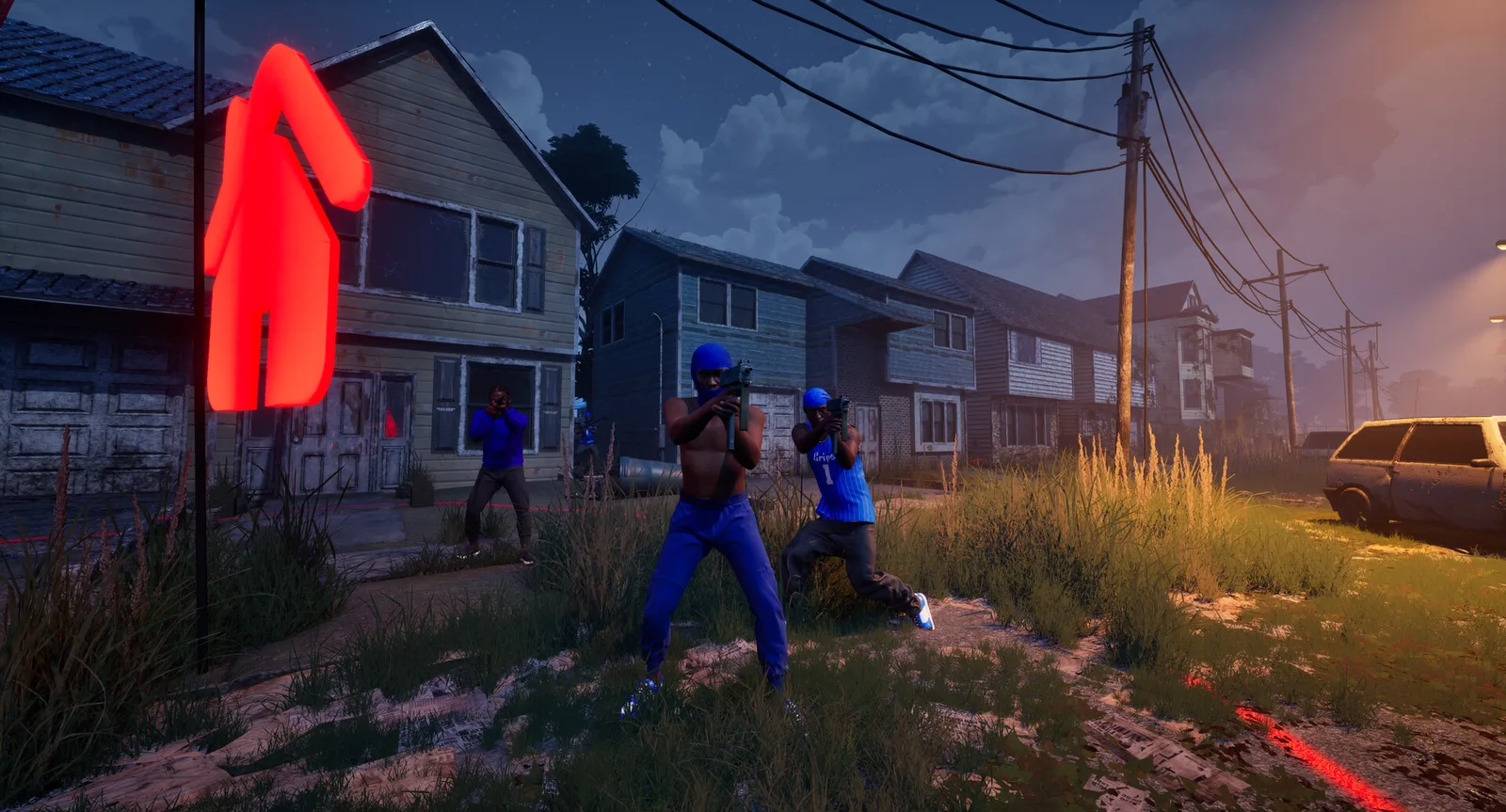
Hood Warfare 2 is a Windows PC shooter from Trapstar Games, set in a fictional version of Chicago. The Steam release uses app ID 5155360. Before buying or installing, check that title and app ID so you have the sequel rather than the original Hood Warfare.
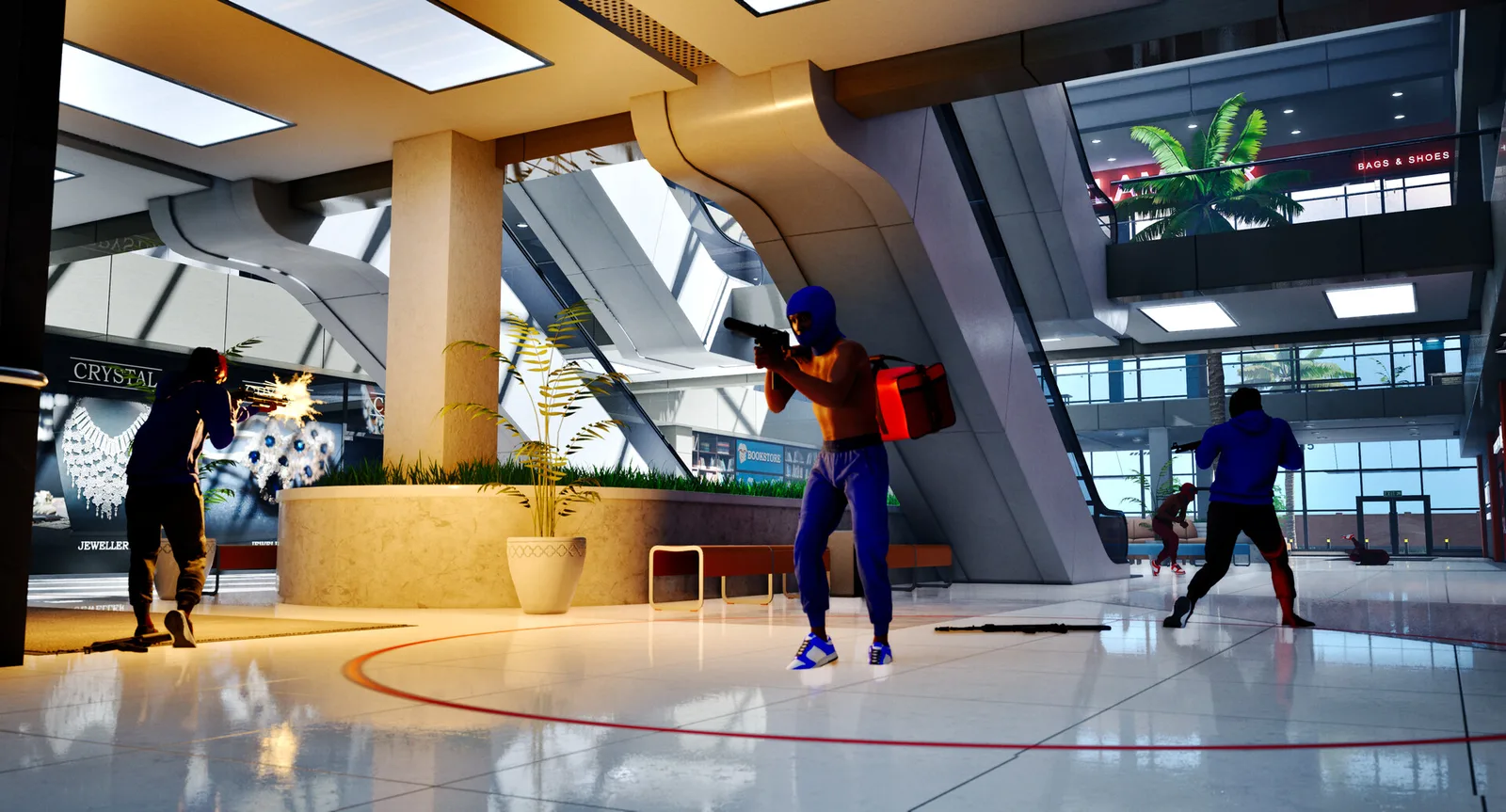
The game combines team combat, individual competition and objective modes. A useful first-session goal is to understand one objective and one map. You can build from there once you are comfortable with movement, aiming and the route back into a fight.
Prepare a simple setup
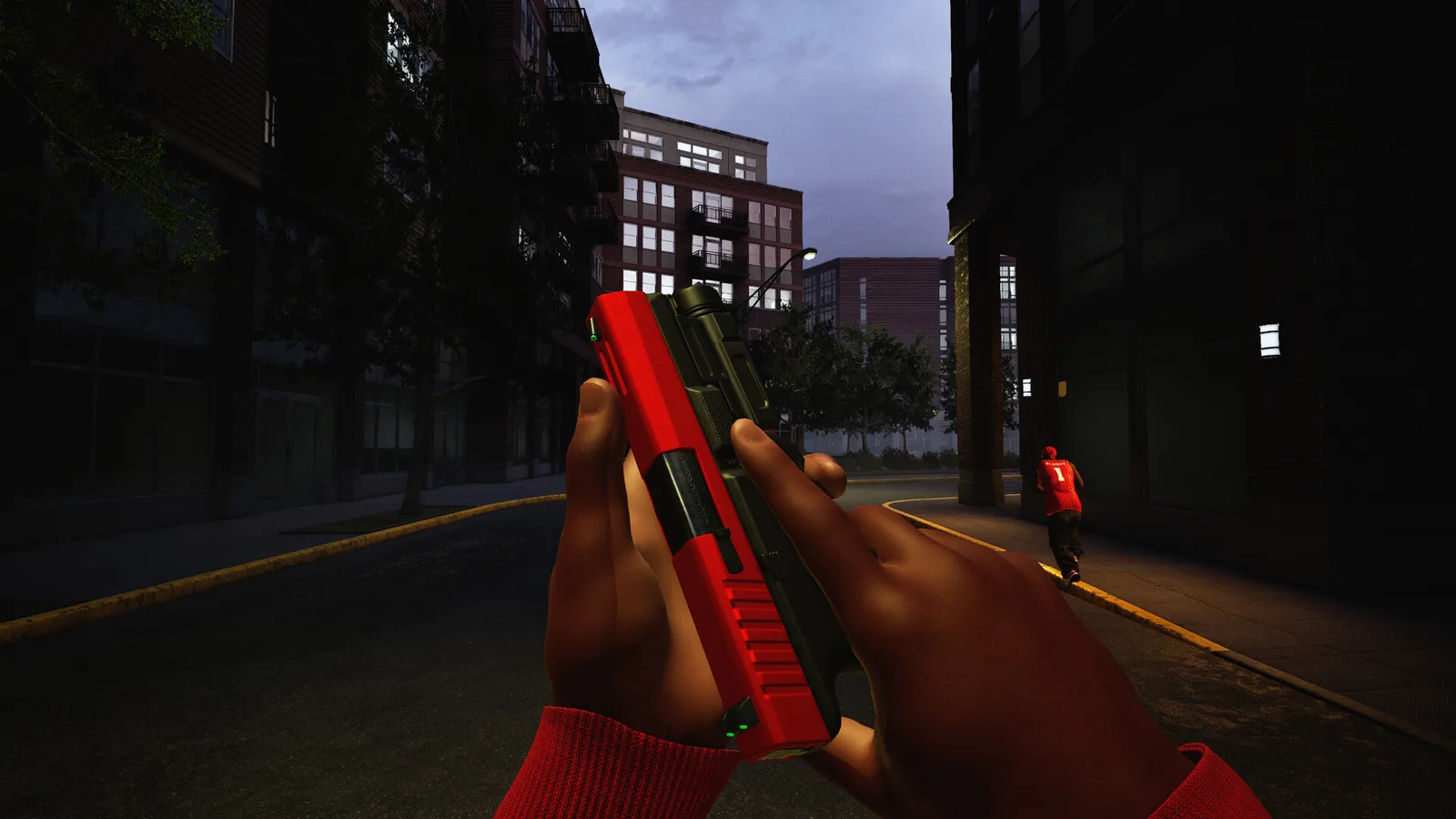
The official description confirms configurable weapons, attachments, perks and equipment. Start with the options available in your loadout menu and read their in-game descriptions. This guide does not assume you already own a particular attachment or know a supposedly essential build.
Our suggested routine is to adjust one control at a time. Find an aiming sensitivity that lets you make small corrections, then check that the buttons you need are comfortable to reach. The Steam listing also confirms full controller support. Specific button bindings should be checked in your current game settings.
- Check your available loadout before joining.
- Choose one small control adjustment and try it.
- Keep the setup consistent for a few matches so you can judge the change.
Use a bot match to learn the route
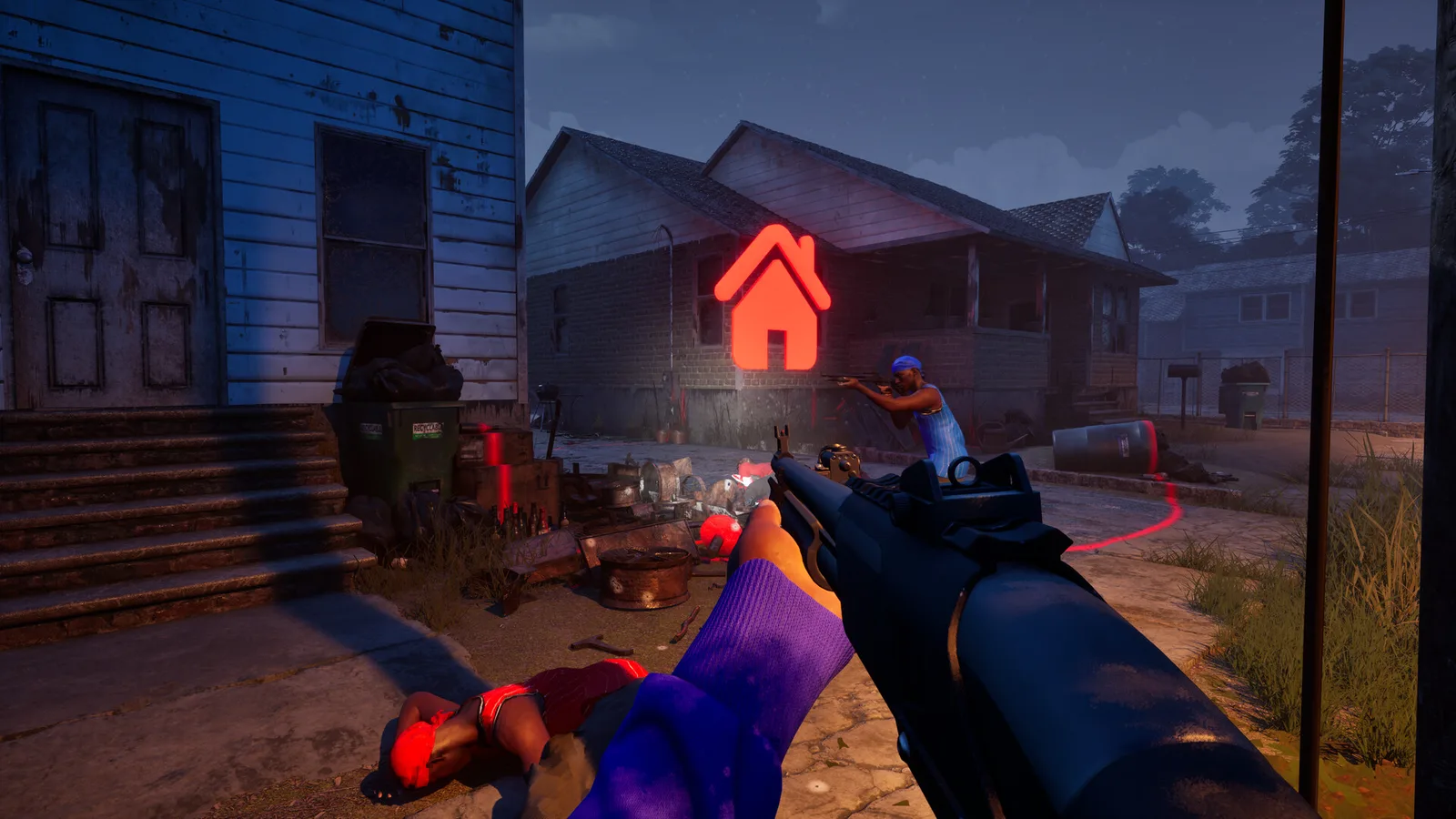
Custom matches let you choose a map, mode and match settings, with bots available to fill teams. That makes them a useful place to get oriented. Pick a single map, identify a few recognizable landmarks and practice moving between them.
As an editorial practice tip, give each warm-up a narrow purpose: learn a route, check your aim settings or compare two available attachments. Bot play is confirmed, but the official store does not explain whether every progression challenge counts in every custom session.
Choose the right objective
GangBang rewards team kills, while Chaos is an individual kill contest. Other modes ask you to control territory, return a bag, handle a bomb or collect chains. Read the mode rules before entering; a strong kill count alone does not explain every result.
After the match, note one decision you would change next time. Review your unlocks, keep the parts of your setup that felt comfortable and return to the same map until its routes begin to make sense.