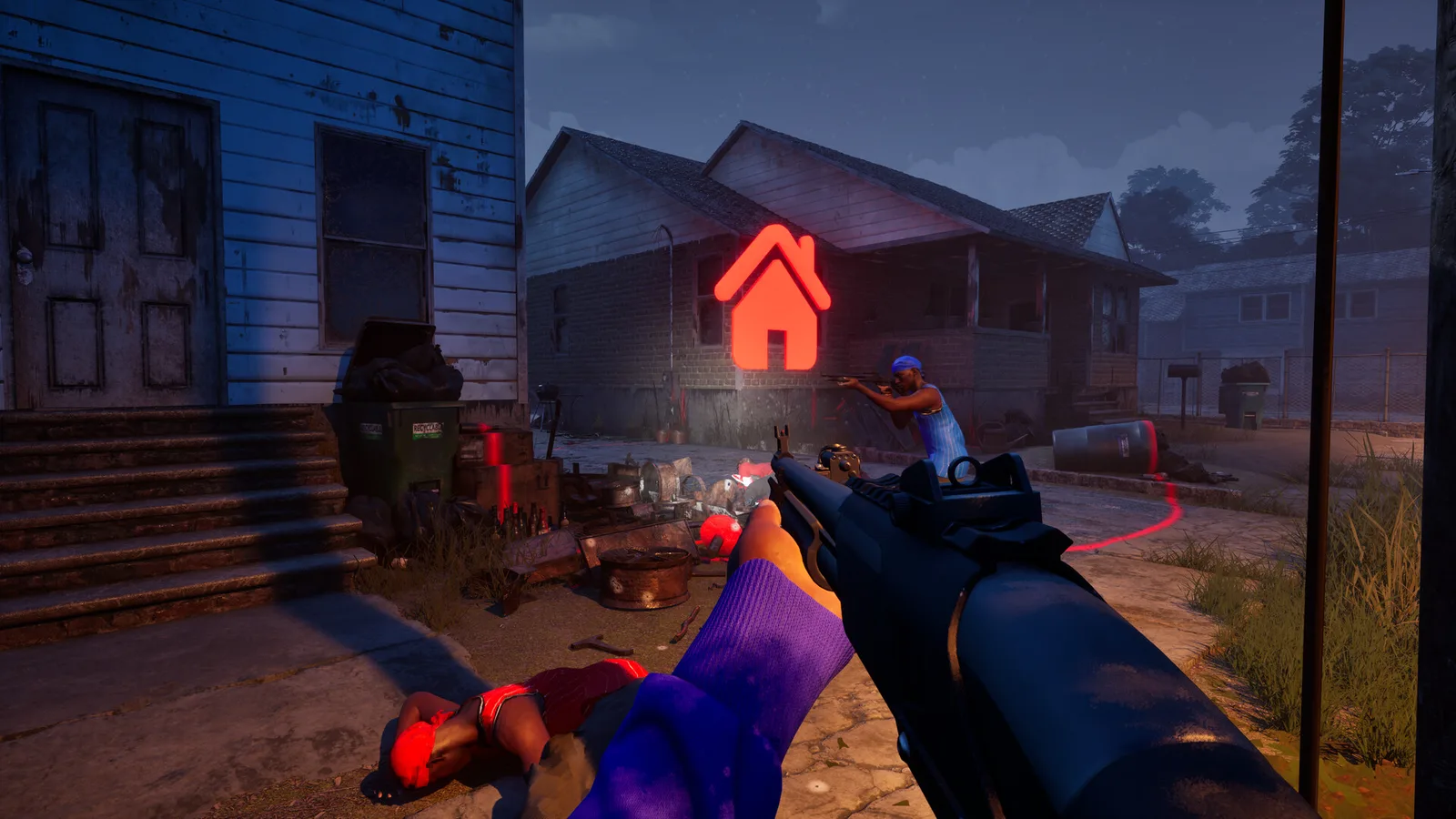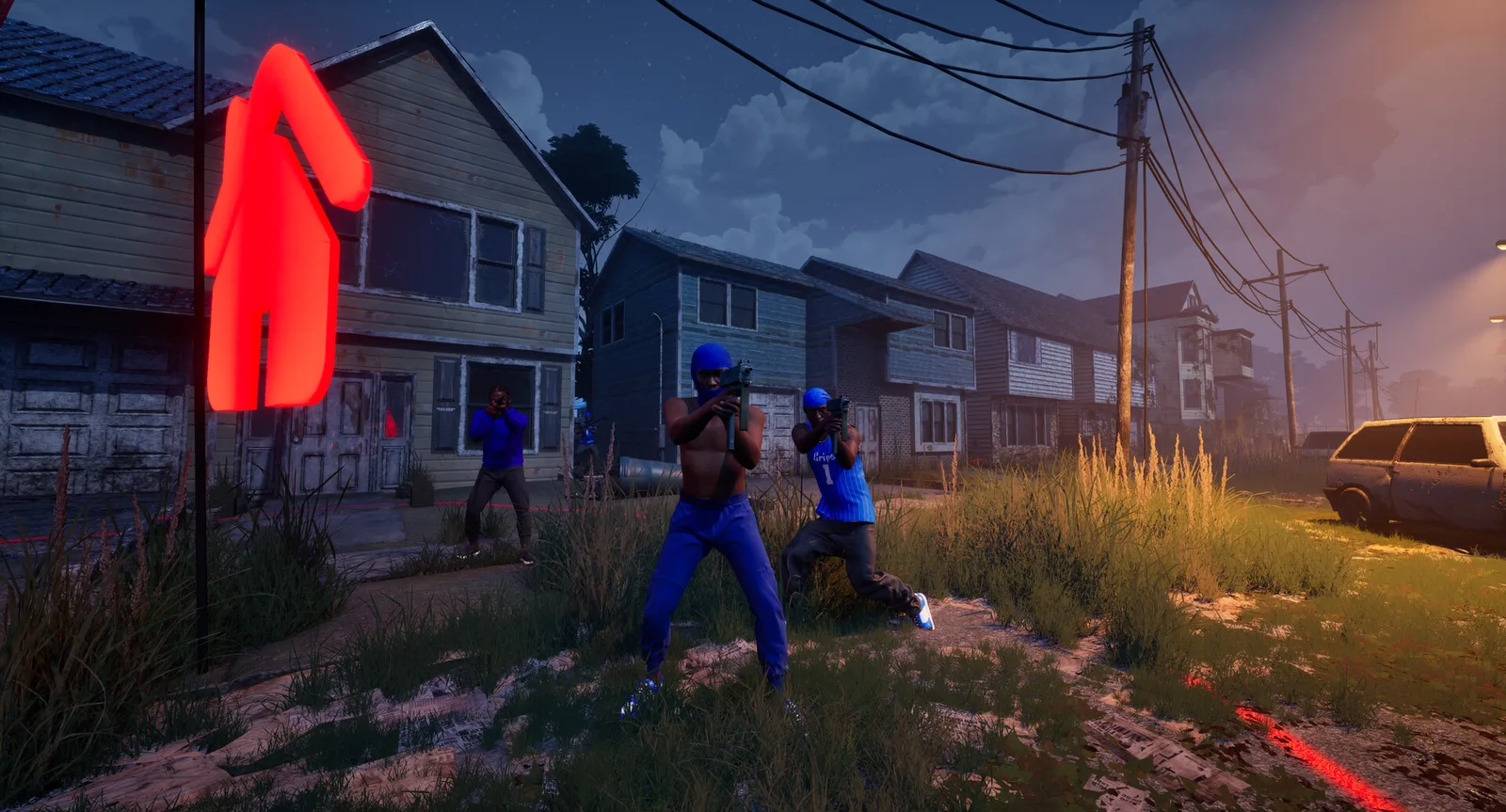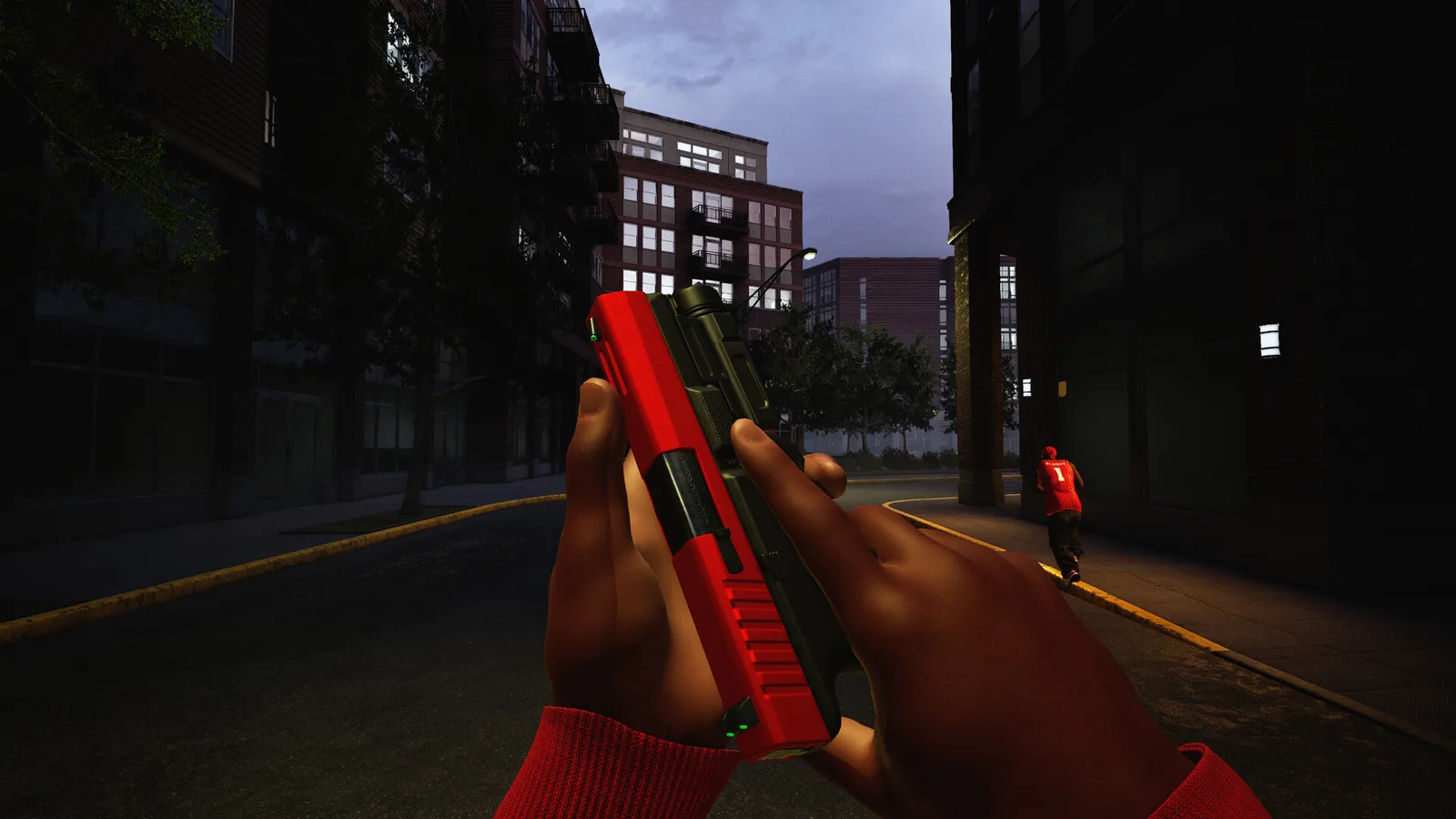
What the game confirms
Hood Warfare 2 lets you customize weapons with sights, magazines, grips, suppressors and other attachments. Loadouts also include perks and equipment. The official store describes these systems without supplying a complete list of gun names, attachment statistics or perk effects.
That means a useful loadout begins with the options you can actually see in your game. Read each item’s description, check its unlock requirement and build around the match you are about to play. This page offers a comparison method rather than a tested ranking of weapons.
Choose the job before the parts
Our editorial starting point is to write down one task for the setup. You might want a comfortable aiming view, a weapon you can use consistently while moving with teammates, or a kit that helps you stay focused on an objective. Keep that task specific enough to evaluate after a match.
Avoid assigning real-world effects to an attachment just because of its name. A suppressor, grip or magazine may have game-specific tradeoffs. Use the description and behavior you can verify in the current build.
Run a simple comparison
Keep your weapon and most of your setup unchanged, then swap a single available attachment. Test both choices in the same kind of encounter. Custom matches with bots can provide a convenient place to repeat the exercise, although human matches introduce different pressure.
Notice whether you find the aiming view clear, whether you are comfortable tracking a target and whether your controls still feel natural. Record a brief observation instead of assuming one successful fight proves an upgrade.
- Name the task you want the loadout to support.
- Change one available item.
- Repeat the same kind of encounter.
- Keep the option you can use more consistently.
Plan around your unlocks
Leveling unlocks weapons and equipment; weapon challenges unlock attachments; kills with a particular gun unlock its skins. These are separate progression routes. A cosmetic reward does not establish that the weapon’s combat statistics have changed.
When a build is unavailable, save the idea and inspect the challenge shown in-game. No specific unlock level, damage number or best-in-slot combination is asserted here. The most useful setup is one you can equip, explain and evaluate against the job you chose.