What custom matches offer
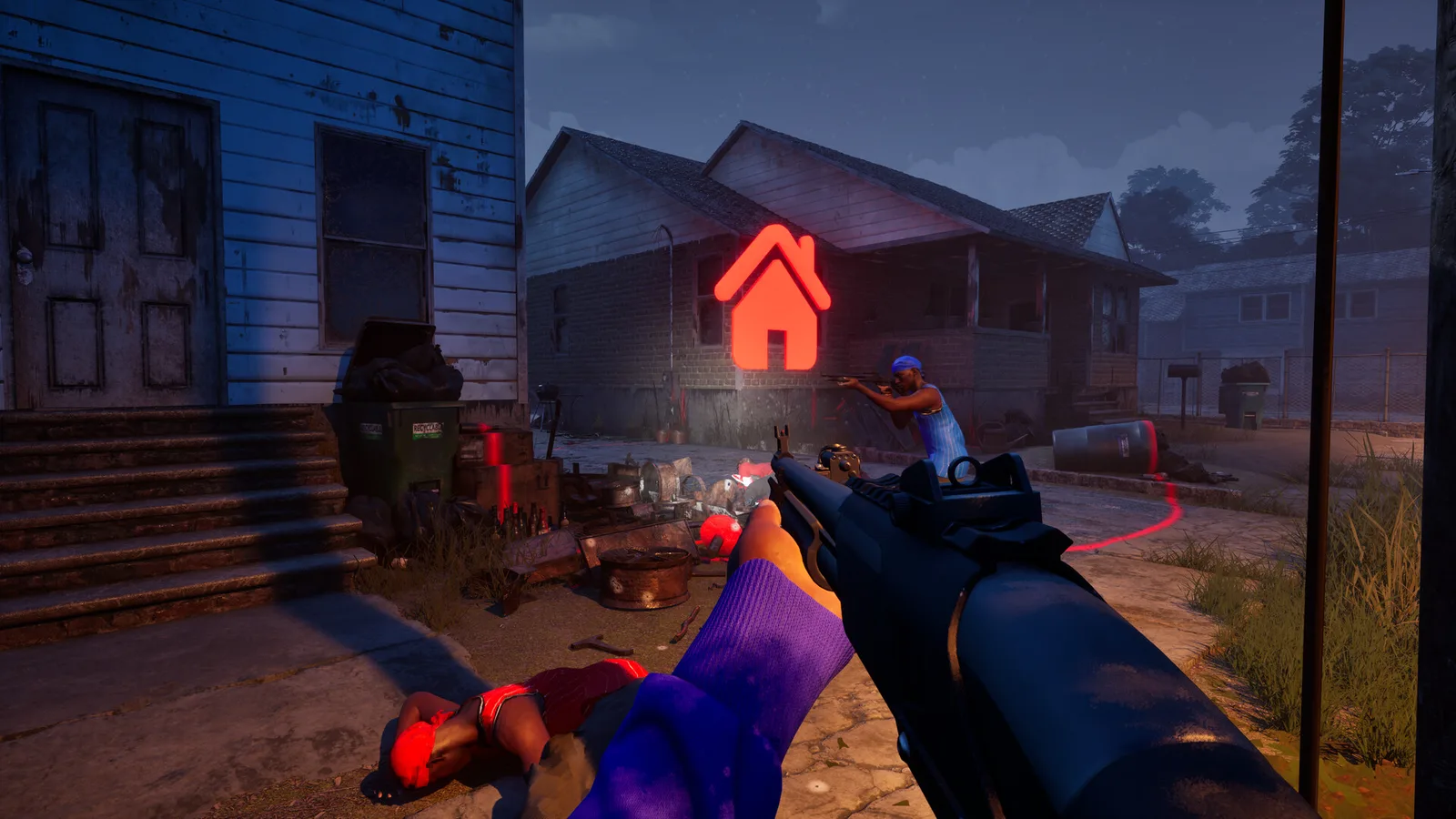
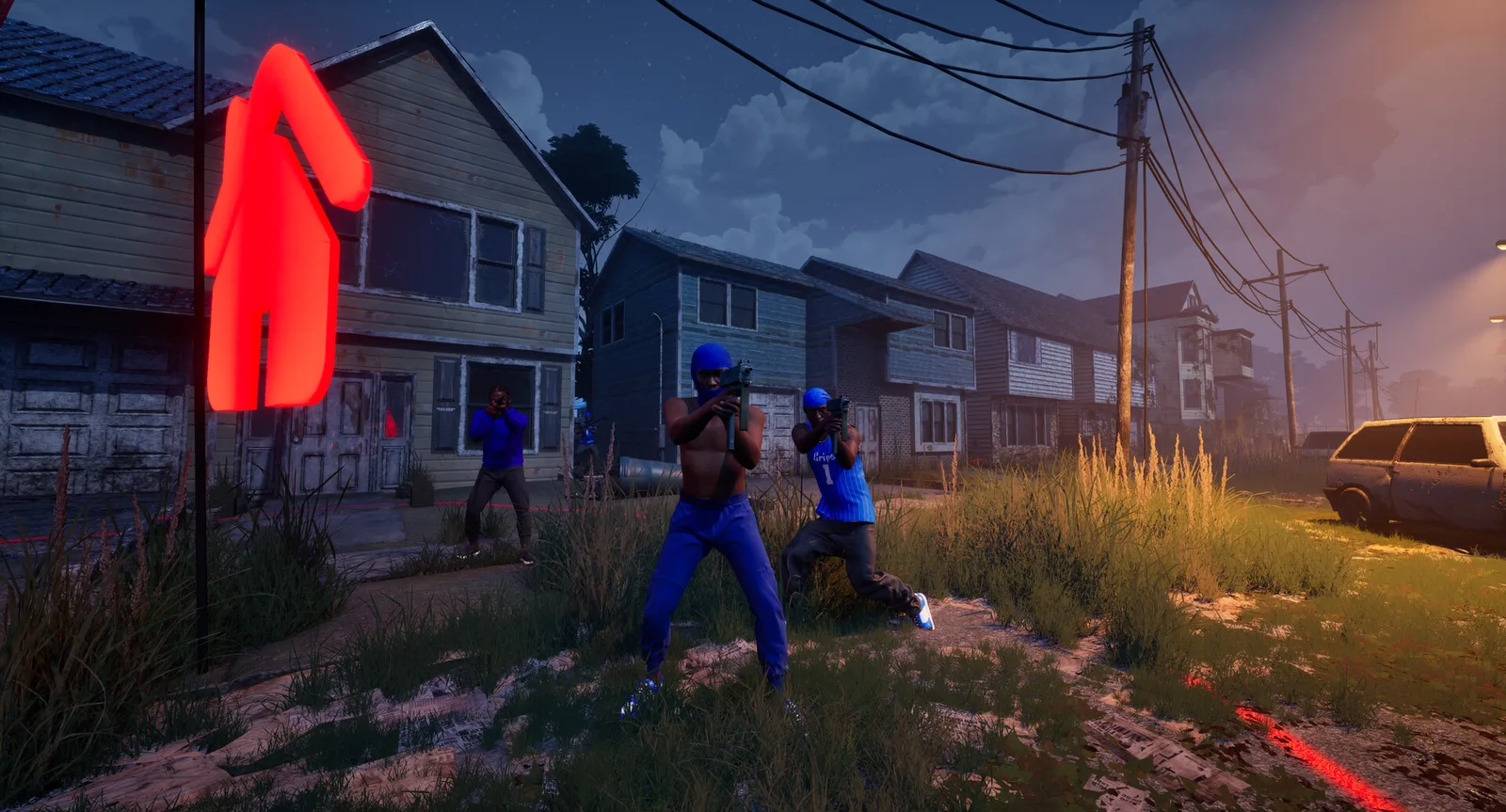
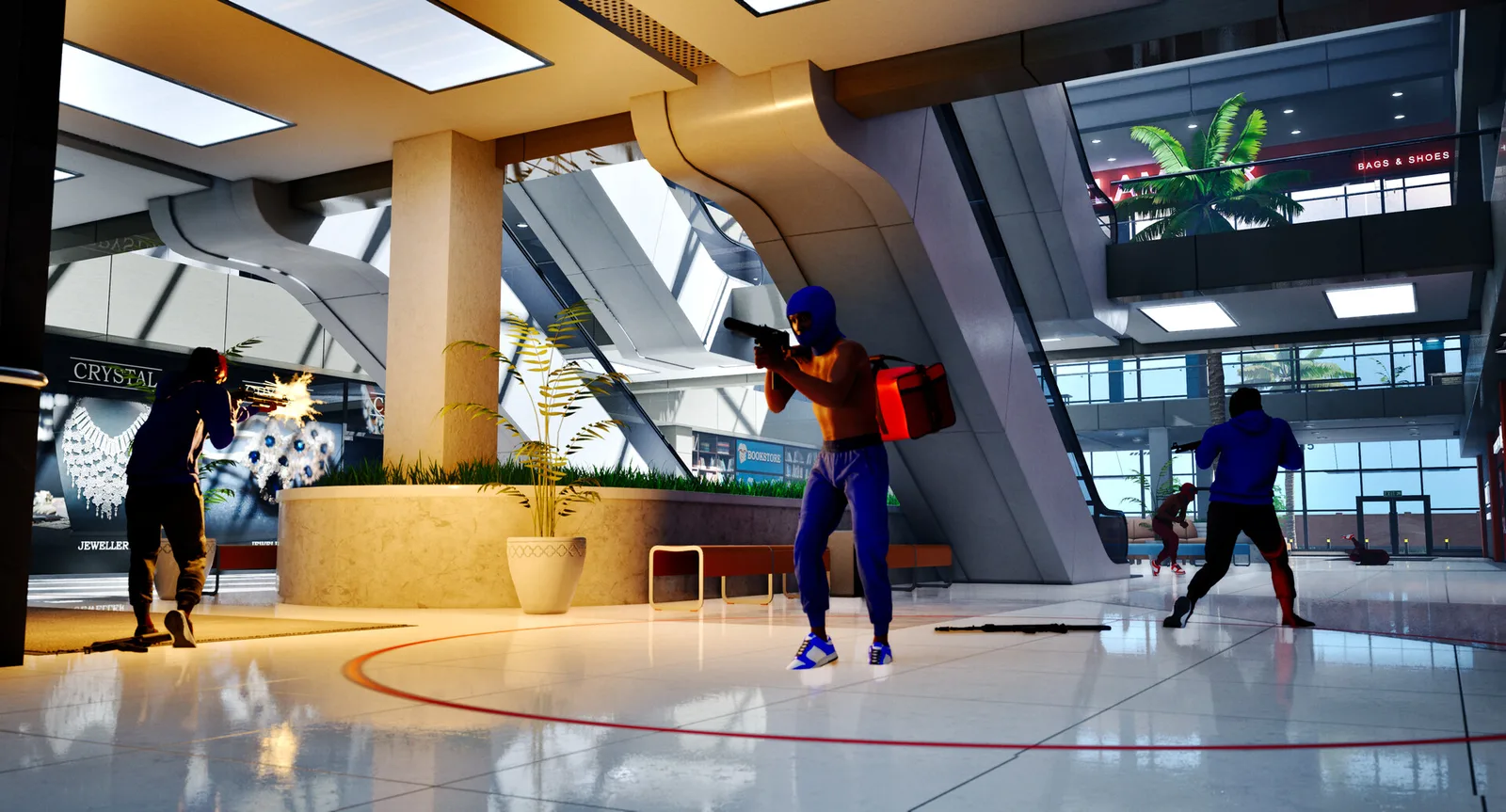
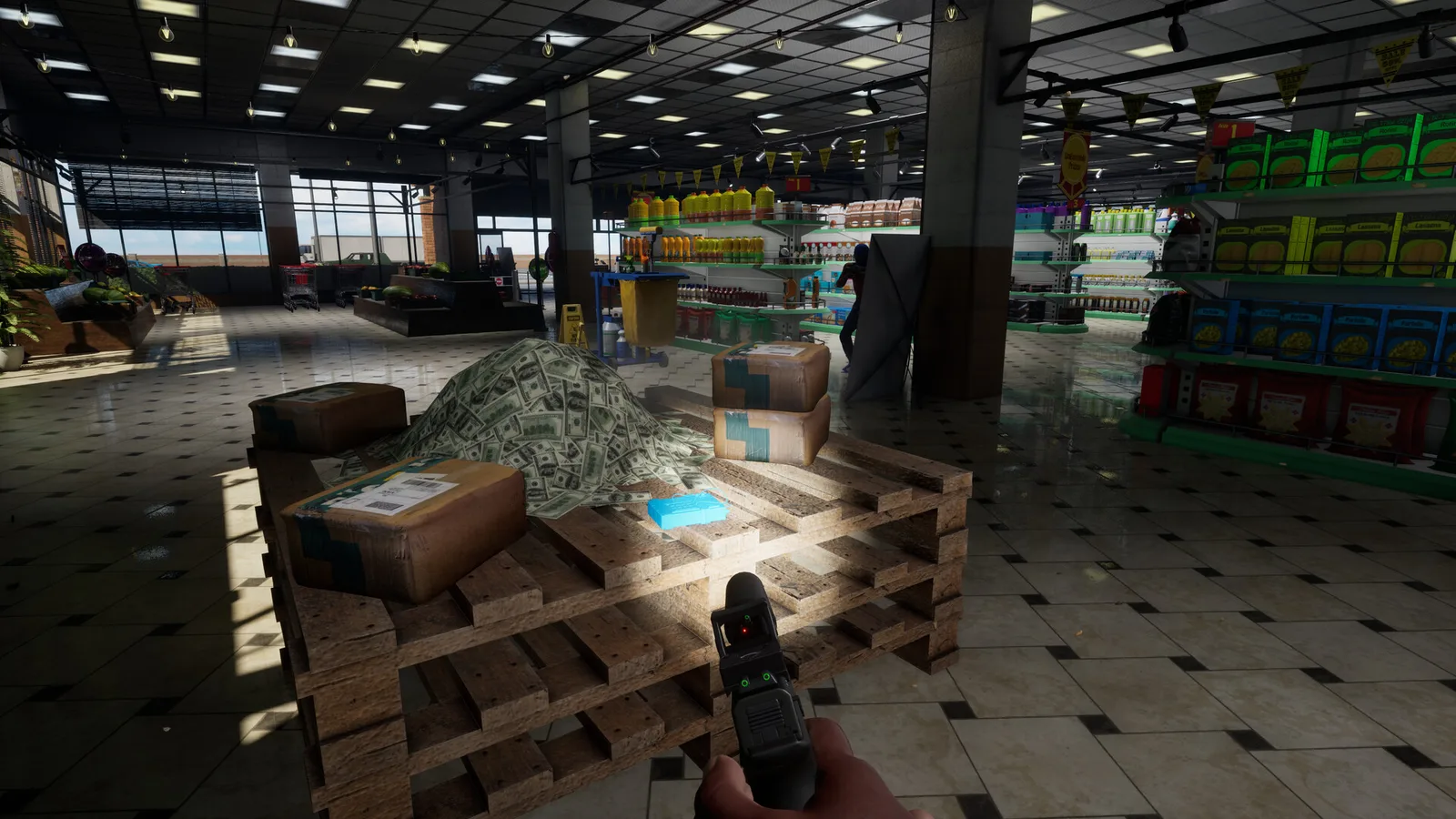
The official description says you can choose a map, game mode and match settings, then add bots to fill teams. You can also play online with friends and other players. A custom match gives you a place to become familiar with the game before joining a wider lobby.
The store confirms those broad options, but it does not document every menu entry, bot behavior or available setting. Follow the labels in your installed version rather than assuming a particular menu layout from this guide.
Give the session one purpose
Our recommended practice approach is to choose one question you want to answer. For example: can you follow a route without losing your bearings, does your aiming sensitivity feel comfortable, or do you prefer the view through one available sight?
Keeping the goal narrow makes a short session useful. You do not need to prove that a setup is universally best. You need enough repeated experience to decide what to keep, change or investigate further.
- Choose one map you want to learn.
- Select a mode whose objective you understand.
- Use the bot and match options shown in your game.
- Repeat the same task and note what changes.
Try a three-part warm-up
First, spend a little time getting oriented: recognize a landmark and move between two locations. Second, try the action you came to practice with a consistent loadout. Third, finish by playing the mode objective so you connect the exercise to an actual match.
This routine is an editorial suggestion, not an official training mode or required sequence. Adjust it to the options available and to what you want from the session. A friend can also help compare observations or agree on simple map callouts.
Understand the limits of the exercise
Practicing against bots can help you become familiar with controls and routes. It does not establish how a strategy will perform against other people. Use an online match to see whether your comfortable setup still works when opponents make different decisions.
The official store does not explain whether every custom setting awards progression in the same way. If you are following a challenge, check the displayed counter before and after the session. Avoid planning an entire unlock route around an assumption you have not checked.